Customer Support / Payment Help
Payment Help
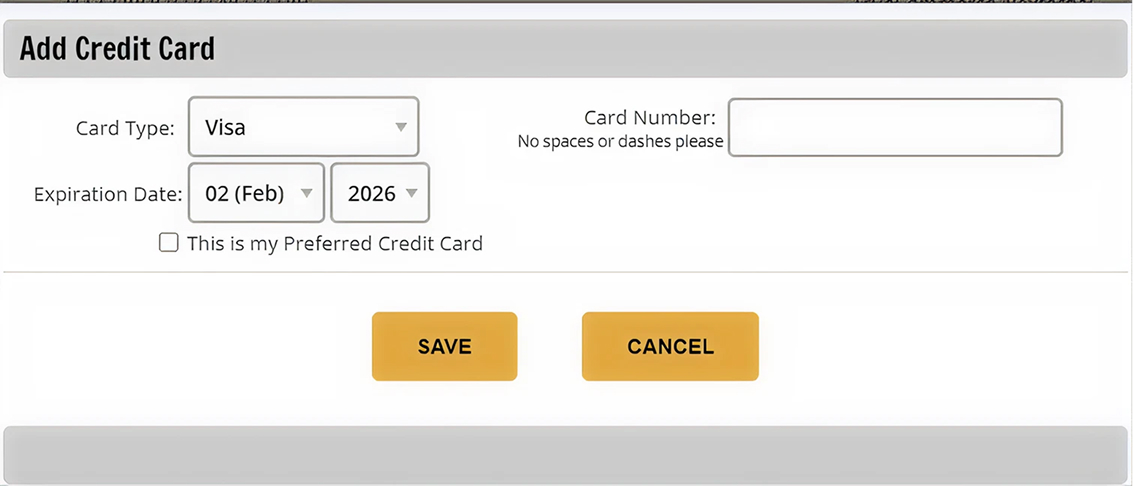
Payments can be made quickly and securely through your My Account. Follow the link below to access open balances, submit payment, and view past invoices..
Frequently Asked Questions
Review common questions about payments, invoices, and account access below.
How do I make a payment?
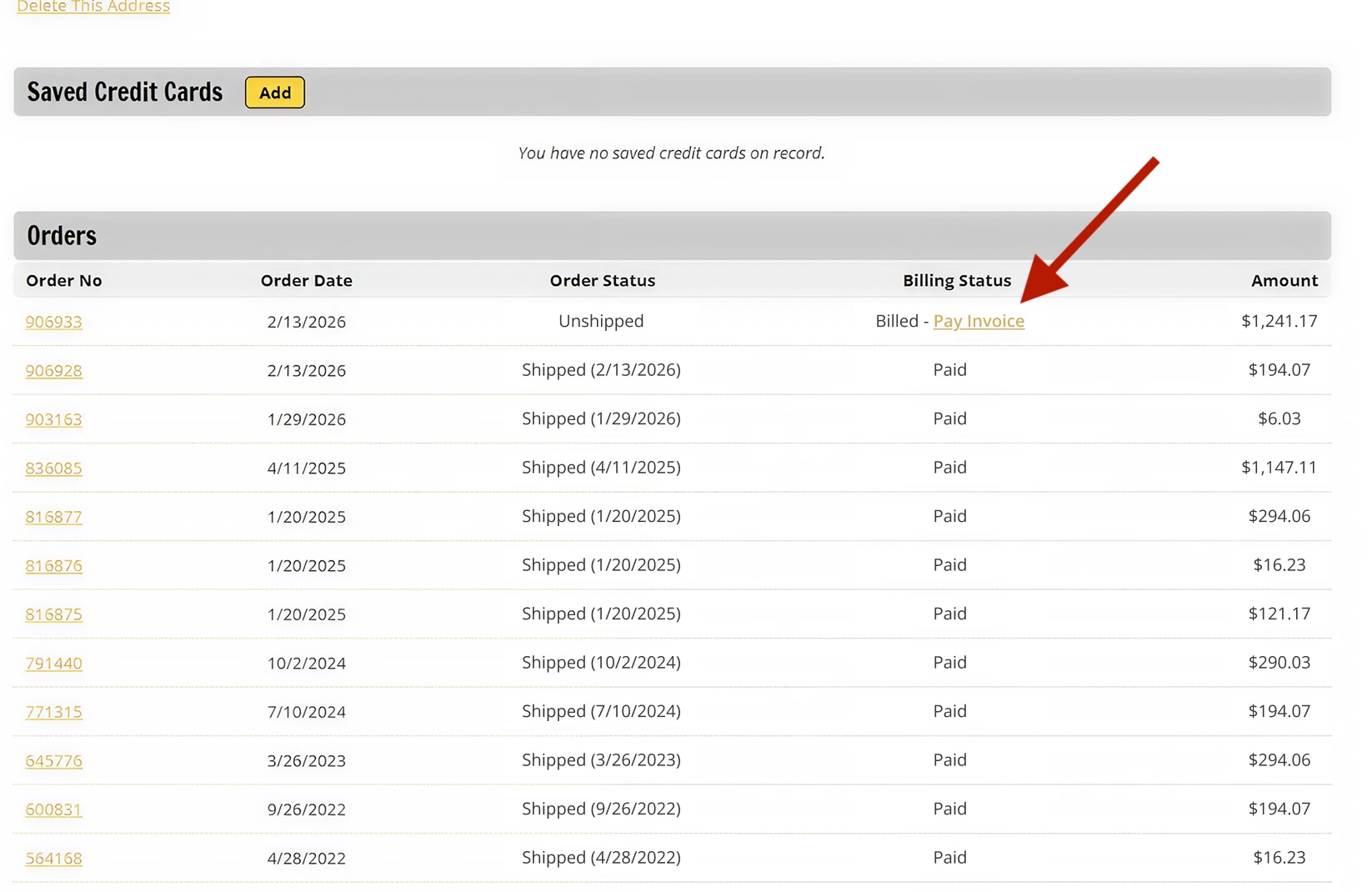
You can make a payment online by signing into your account and viewing your past orders. Any orders with outstanding balances will have a simple option to make a payment online with a credit card.
You may also mail a check payment to EdgeEndo PO Box 121327 Dallas, TX 75312-1327
Why was my payment declined?
Common reasons for declined payments include:
- Incorrect billing details
- Credit limit reached
- Insufficient funds
- Card not activated
What payment methods do you accept?
Visa, Mastercard, American Express and Discover